@bot1ca_bot Telegram Bot

Botica — Аналитика для Telegram — Telegram Bot {{ $bot->code }}
扫码在手机上打开
Botica — Аналитика для Telegram — Telegram Bot {{ $bot->code }}
机器人地址: @bot1ca_bot
类别: 分析工具 , 推广和广告
机器人说明

- Сообщество: @botica_chat - Служба поддержки: @botica_helper - Новости: @botica_father
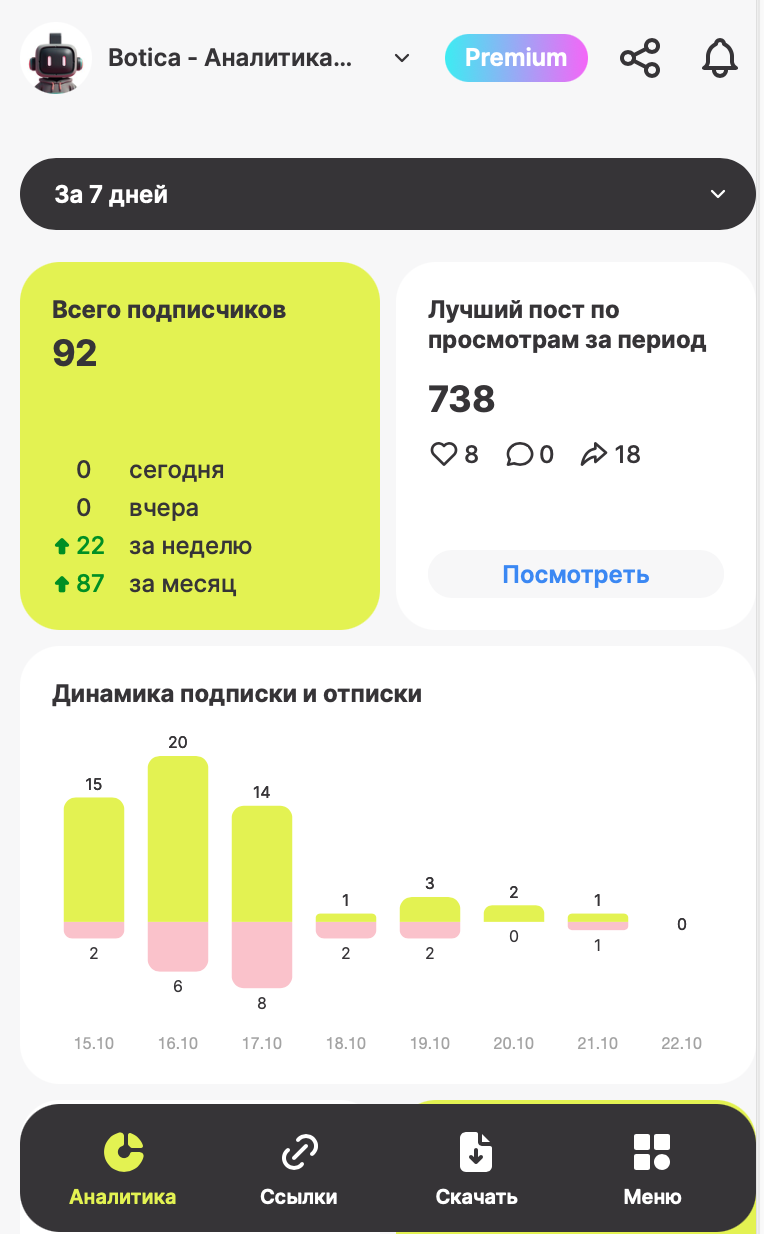
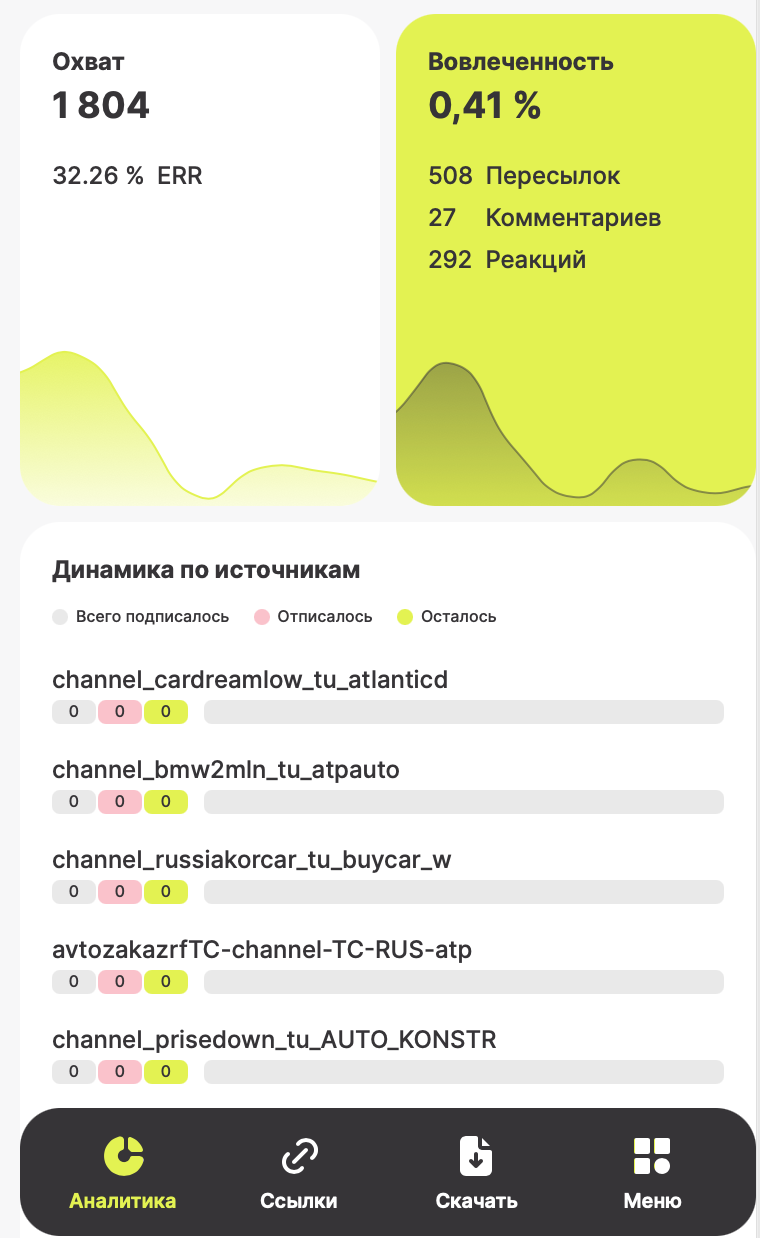
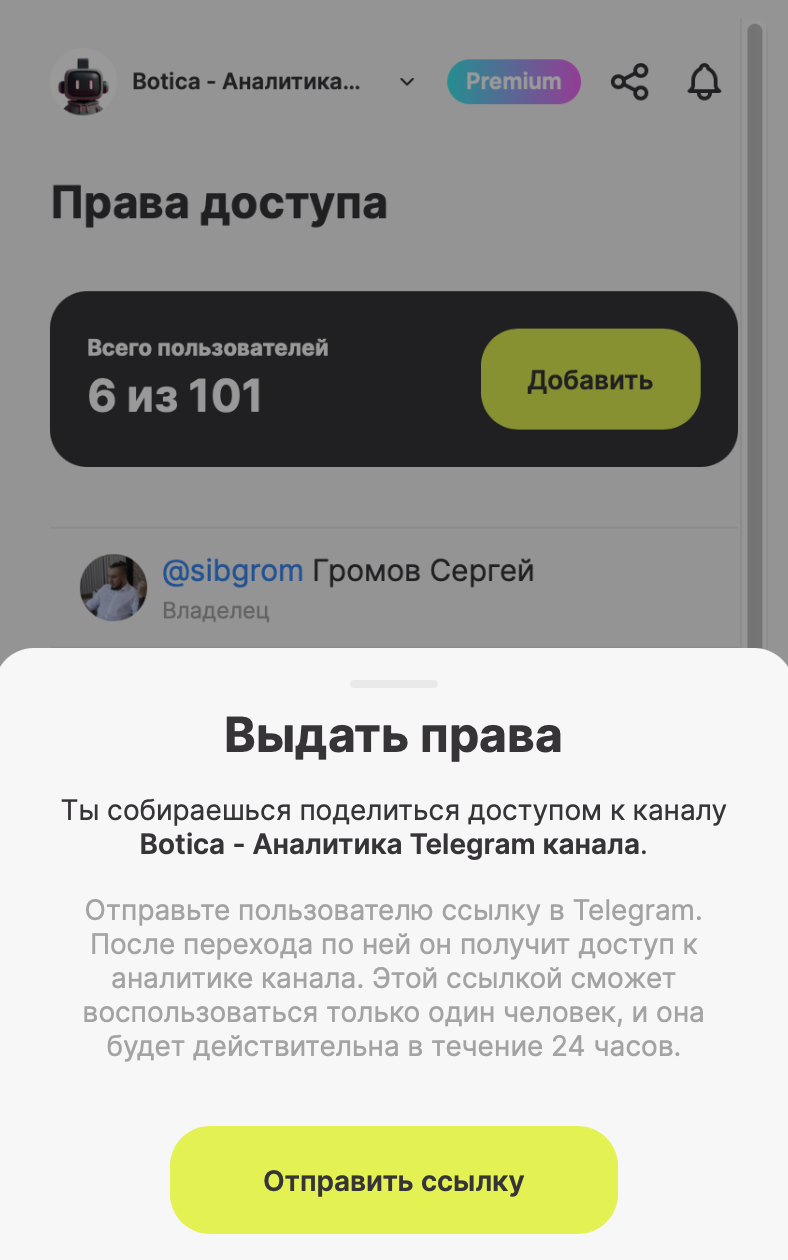
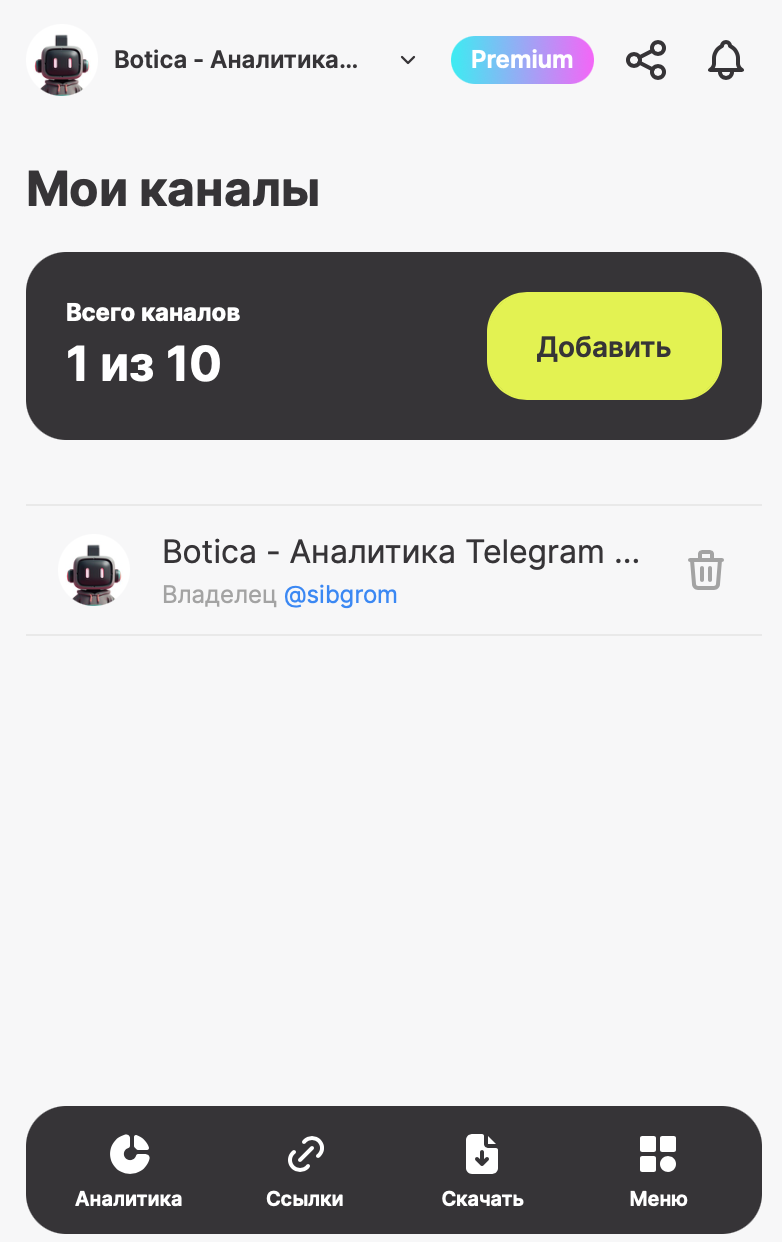
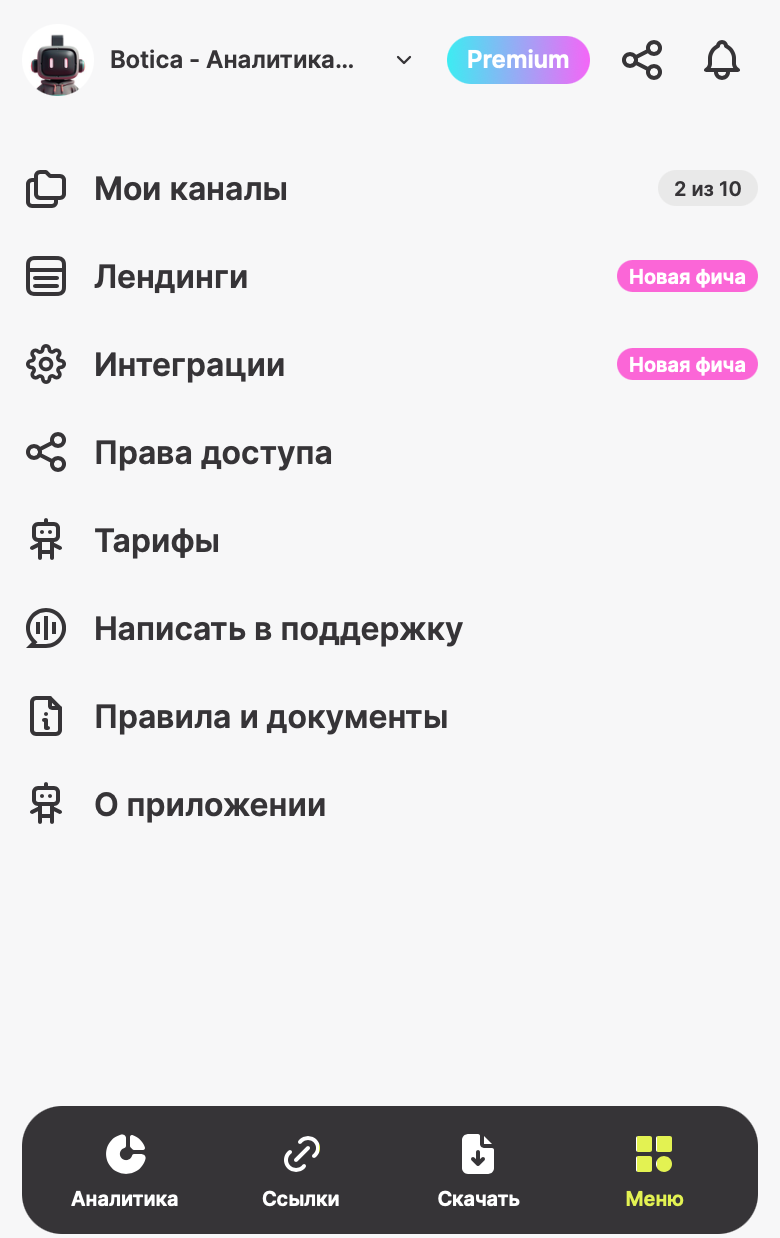
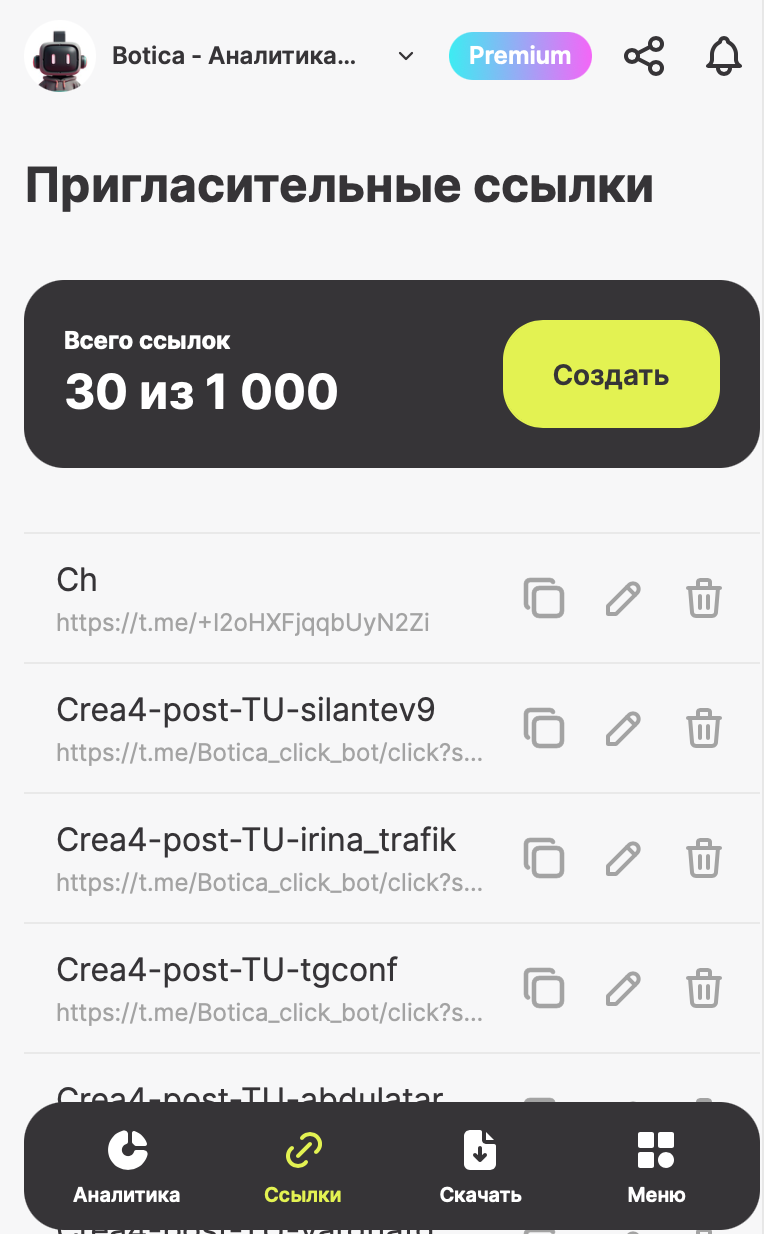
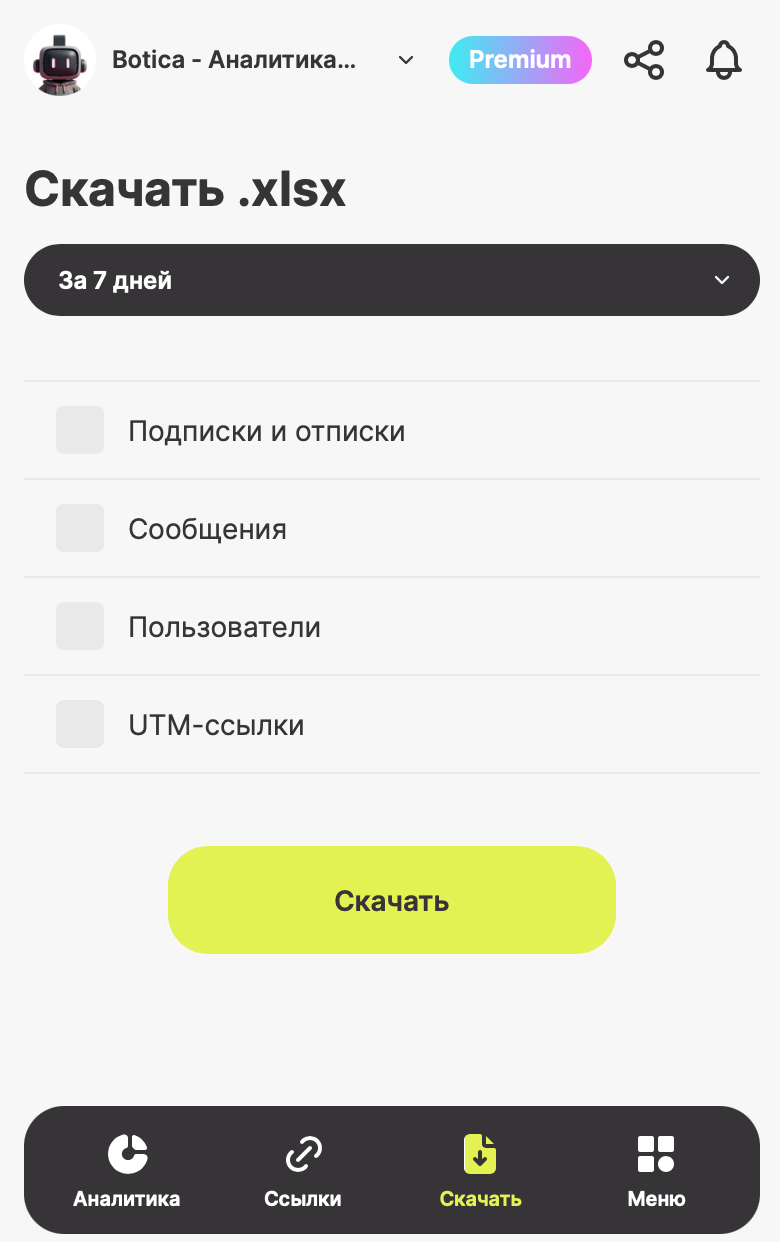
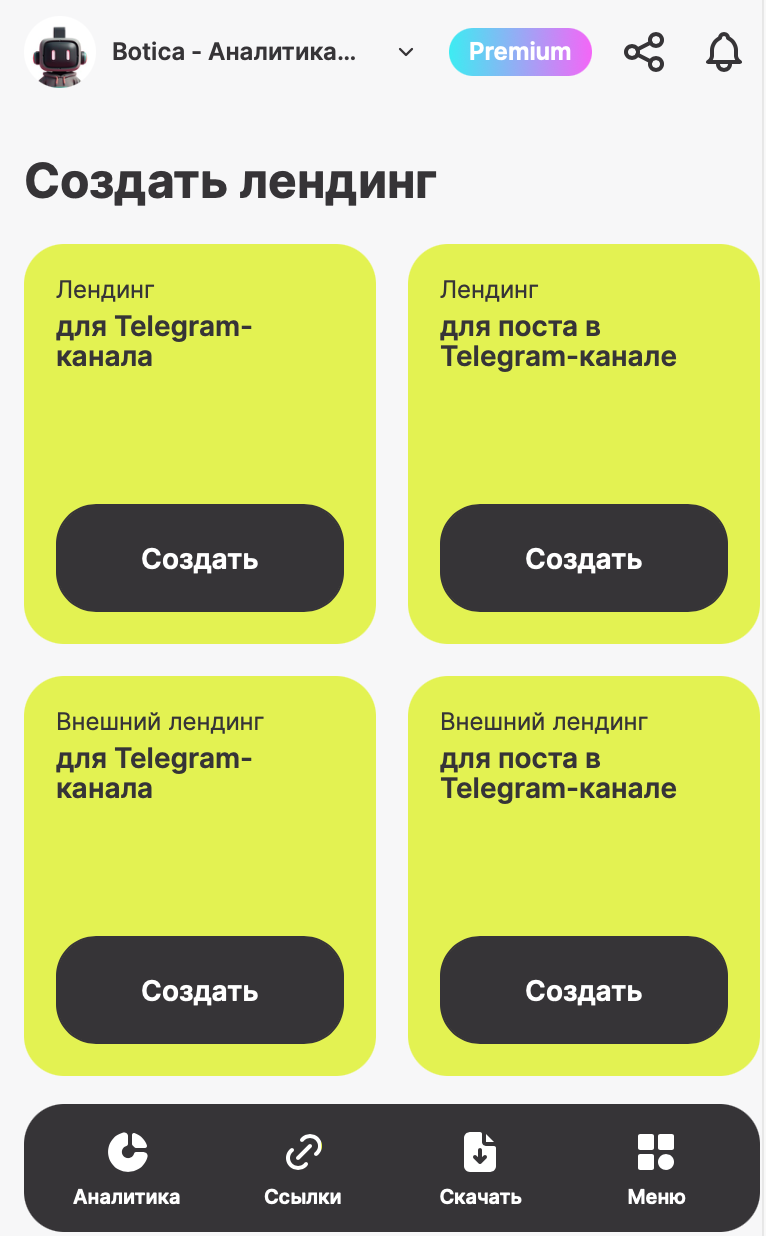
BOTICA — your reliable partner for growing your Telegram channel! BOTICA gathers all the key metrics of your channel in one place and presents them in a simple and easy-to-understand format. With this mini-app, you can track subscriber growth and loss over any period, see post performance, monitor audience engagement through reactions, comments, and shares, and identify your top-performing posts by views. You can analyze subscription sources, create invite links, and track who comes to your channel and from where. BOTICA allows you to export data on subscriptions and unsubscriptions, messages, users, and UTM links, add multiple channels to collect statistics for each, create landing pages for posts, channels, and external sites, integrate with Bitrix and other tools, and provide analytics access to colleagues or guests. Choose the plan that suits you best: Free to explore the functionality, Business for channel promotion, Premium for maximum control and growth, or Enterprise with customized terms for scaling your business. With BOTICA, you gain full control over your channel’s growth, deep insights into your audience and content, and the confidence that every day you’re making your channel better, more engaging, and more effective.

分享:
前往机器人: ( 27 )

Ratings & Reviews

3.00

3 reviews

Reviews can be left only by registered users. All reviews are moderated by admins.

5 stars

1

4 stars

0

3 stars

0

2 stars

2

1 stars

0


Botica — Аналитика для Telegram — Screenshot 1 Botica — Аналитика для Telegram — Screenshot 2 Botica — Аналитика для Telegram — Screenshot 3 Botica — Аналитика для Telegram — Screenshot 4 Botica — Аналитика для Telegram — Screenshot 5 Botica — Аналитика для Telegram — Screenshot 6 Botica — Аналитика для Telegram — Screenshot 7 Botica — Аналитика для Telegram — Screenshot 8

如何开始

1

在Telegram中打开机器人

点击上方的"打开机器人"按钮,在Telegram应用中打开此机器人
2

开始对话

按/start命令或点击开始按钮开始互动
3

探索功能

使用菜单按钮或输入/help以发现所有可用命令

常见问题

关于Telegram机器人的常见问题

Telegram机器人是在Telegram中执行各种任务的自动化程序。机器人可以发送消息、回答问题、处理命令、自动化工作流程,并提供天气预报、语言翻译或任务管理等服务。
点击本页面的"打开机器人"按钮,然后在与机器人的对话中发送 /start 命令。按照机器人的指示操作或使用菜单按钮中的可用命令。大多数机器人支持 /help 命令查看所有功能。
大多数Telegram机器人是安全的。但请避免向不信任的开发者分享敏感个人信息、密码或支付信息。使用前请查看机器人的评分、评价和用户数量。
大多数Telegram机器人完全免费。部分机器人通过订阅或一次性付款提供高级功能,但基本功能通常免费。请查看机器人描述中的定价信息。
机器人是响应命令并自动执行任务的交互式程序。频道是管理员发布内容的广播平台。您可以与机器人互动(双向),而频道提供单向通信(您只接收更新)。
机器人命令以斜杠(/)开头,如 /start、/help 或 /settings。输入命令并发送给机器人。许多机器人还有菜单按钮显示可用命令。一些高级机器人无需特定命令即可理解自然语言。